Sales and tickets
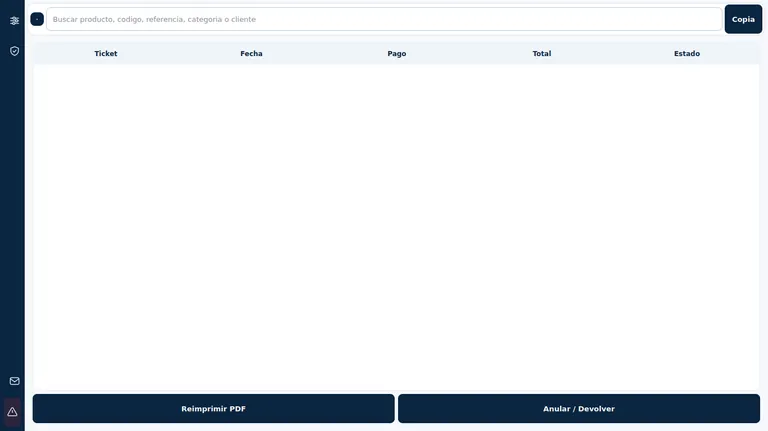
Cash, card, BIZUM or mixed payouts. Ticket history and audit with integrity record.
Merchant Software/ Windows
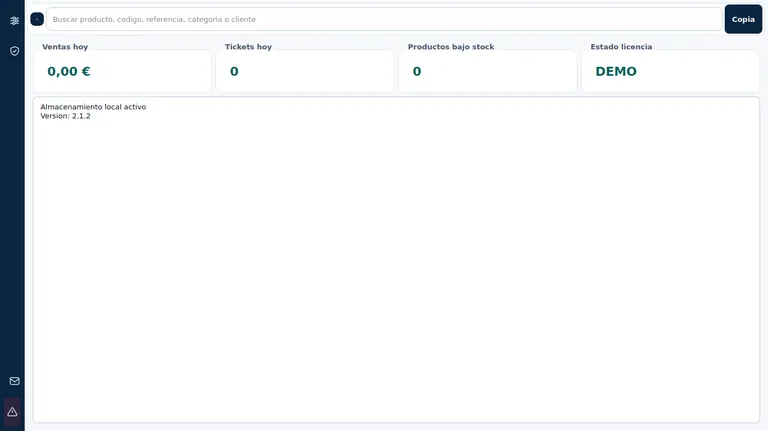
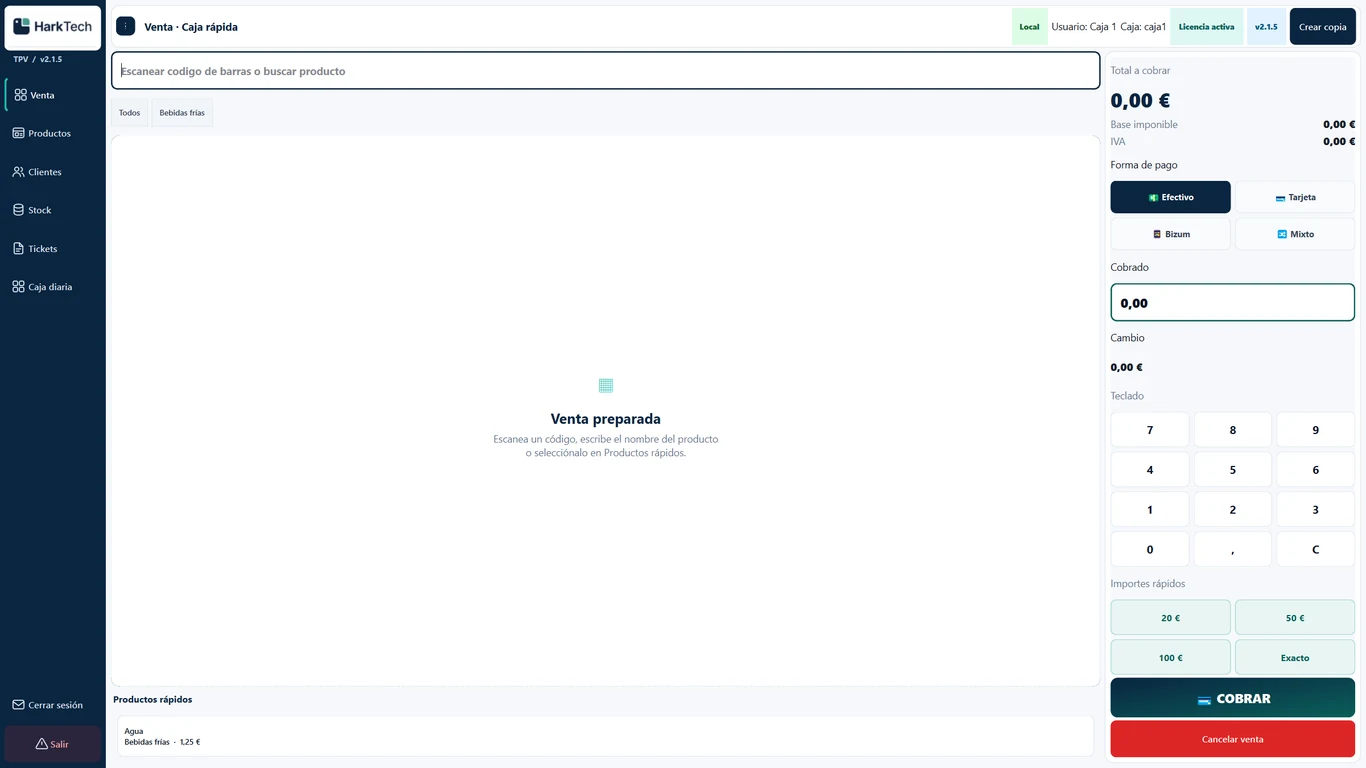
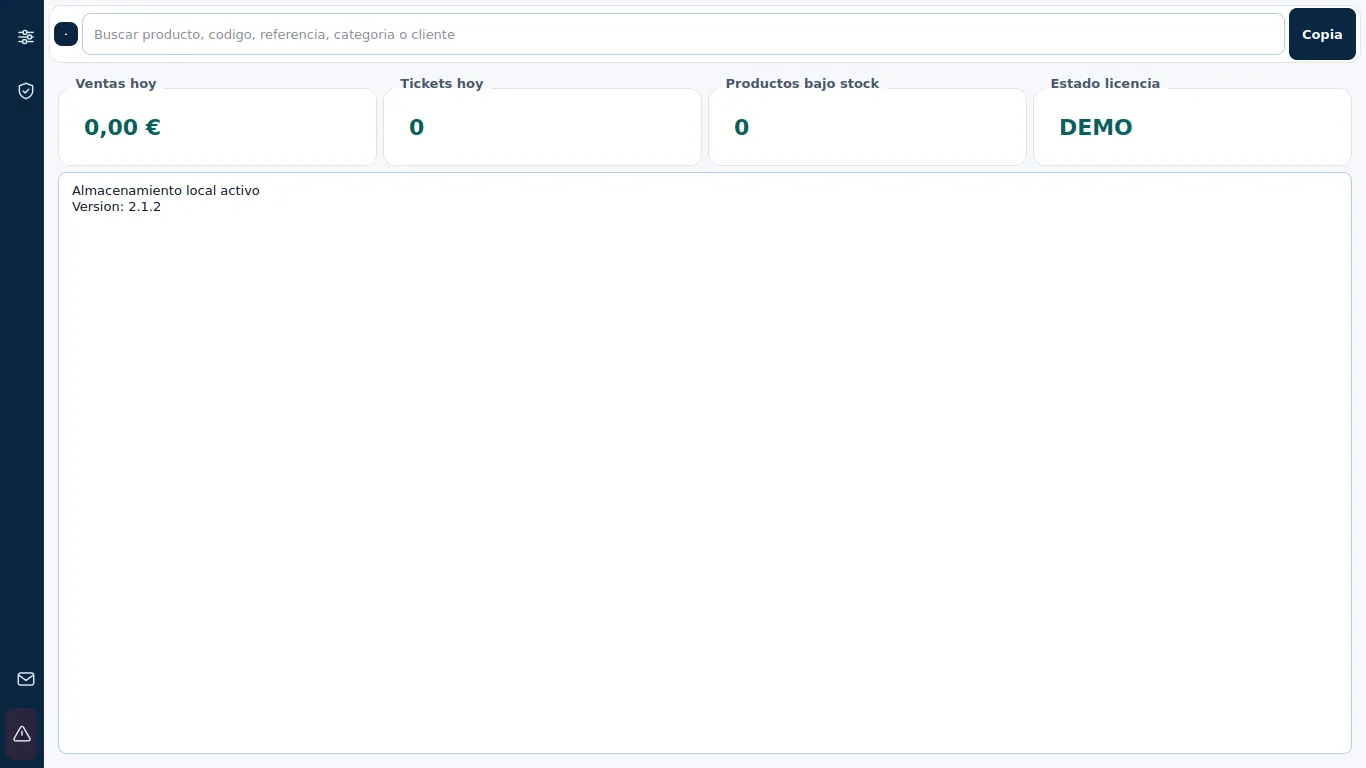
HarkTech POS brings sales, products, stock, customers, and checkout together in one app for your business team.
Your trade, connected
Cash, card, BIZUM or mixed payouts. Ticket history and audit with integrity record.
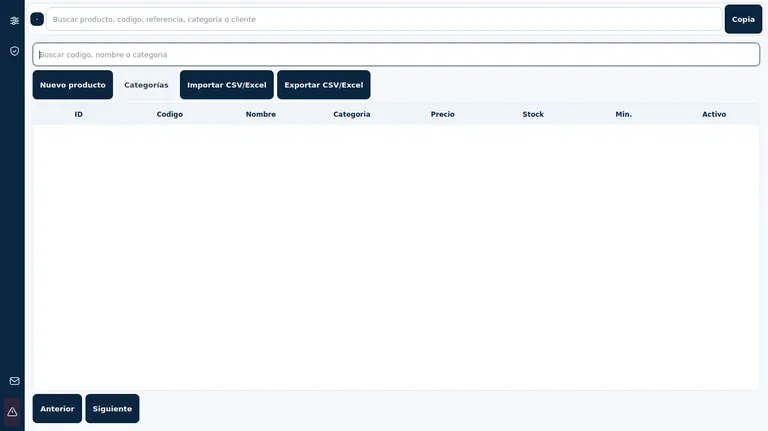
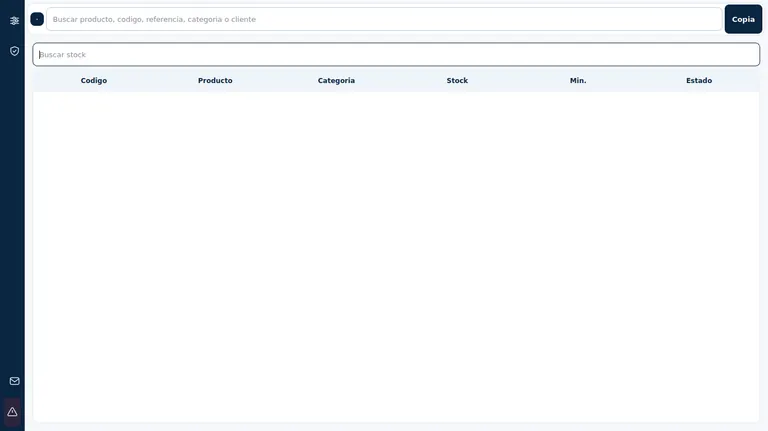
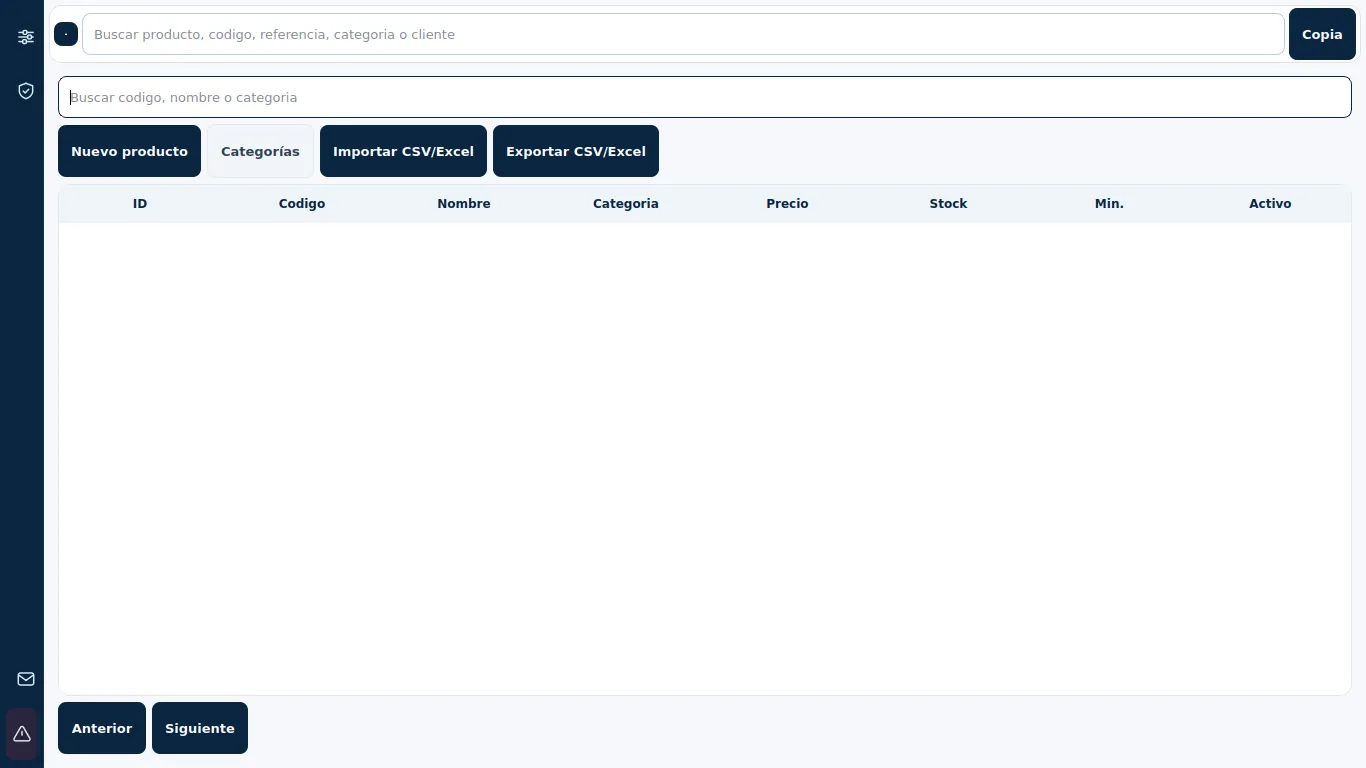
Catalog, categories, barcodes and stock movements to check your inventory.
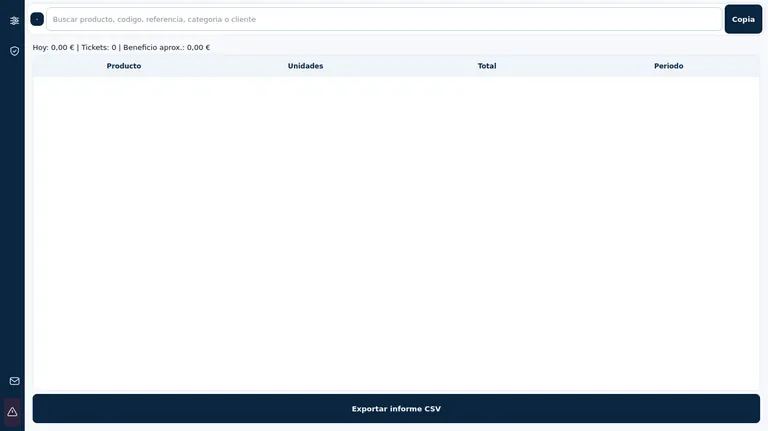
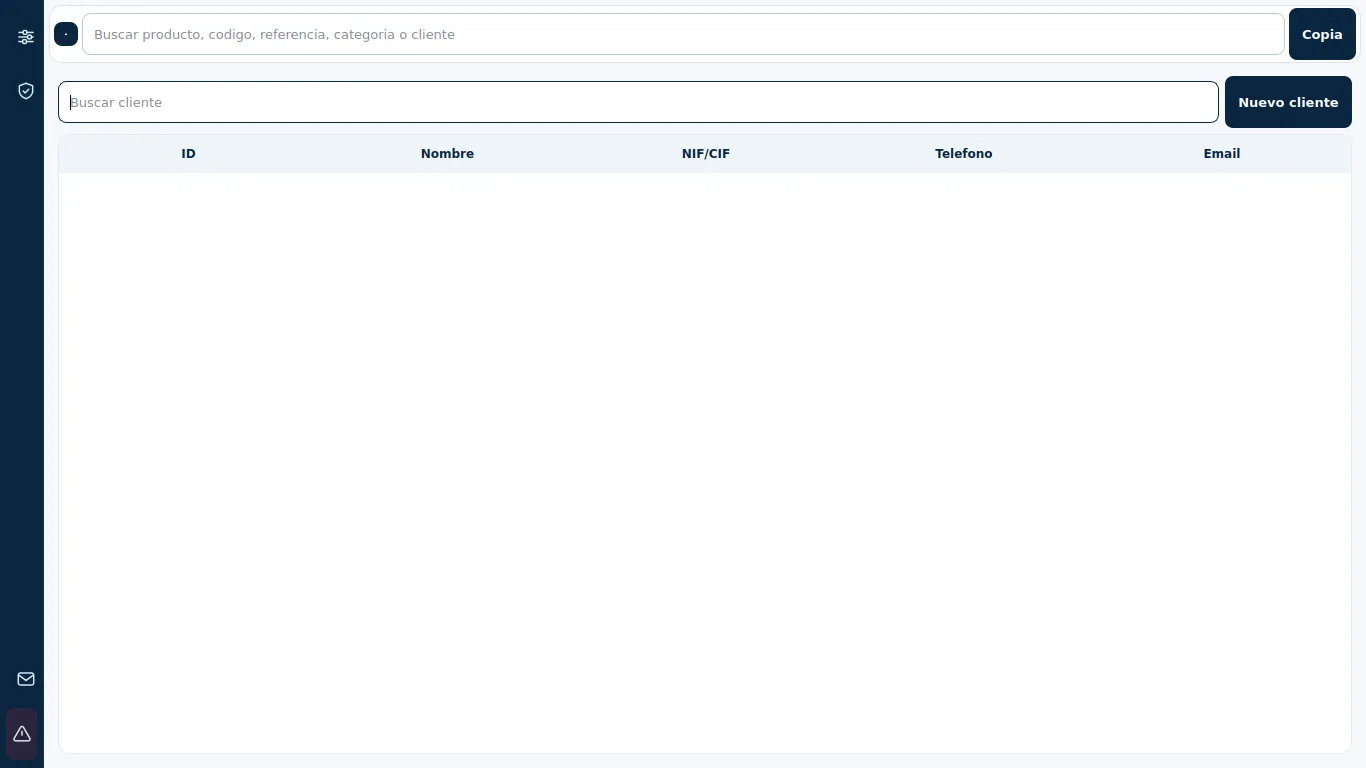
Customer registration, daily cash operations and closing with the movements of each day.
Cashier and local administration users, each with their own password and access scope.
Manual or automatic copies, with additional folder chosen by the merchant, for example on a USB or network drive.
Activate production CD with team ID, without linking the app to a web account.
Getting Started
Download the installer, copy the computer ID and request the license from HarkTech. Or try the demo first, without installing anything else.
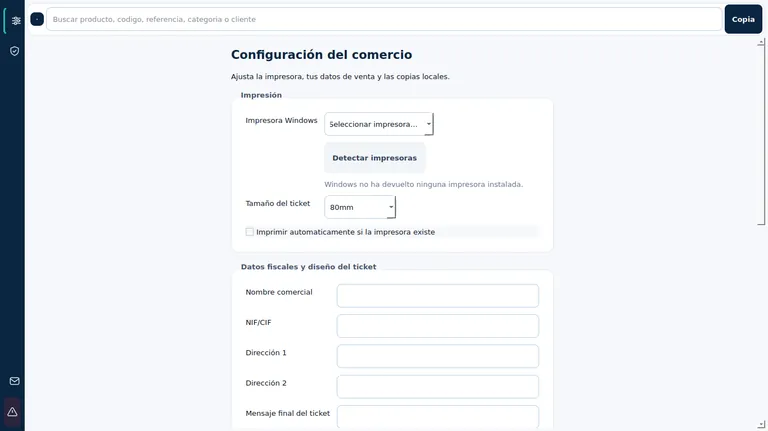
Business name, tax info, printer, and ticket logo. Create your categories and products.
Make sales, check the box and activate automatic copies with an additional folder.
FAQ
The local version is used on the merchant's computer and allows work when the connection is not available.
On your computer and, if you configure it, in an additional folder such as an external disk or a network drive of your merchant.
Check out the downloads and Getting Started Guide. To review the installation on your computer, contact HarkTech.
Next step
A repeating task, scattered information, or undeveloped idea.